Make it. Keep it moving.
Start from a real image or video workflow, shape it around your idea, and keep every result in one creative workspace.
Every preview opens the exact workflow behind it, with inputs and credit cost shown up front.
Credits are shown before your finger gets anywhere near Generate.
Your accidental masterpiece stays yours until you deliberately publish it.
Images, videos, uploads, and reruns live together instead of playing hide-and-seek.
Start with a proven workflow when speed matters. Start in chat when the idea is still wearing slippers.
Reference-led effects, product clips, ads, motion, and social formats with the right controls already exposed.
Portraits, product shots, concepts, edits, and campaign visuals without a wall of model settings.
Describe the outcome naturally, find matching templates, attach library media, and keep refining in one thread.
Explore dedicated pages for product videos, creator workflows, paid-social concepts, and e-commerce creative before jumping into the app.
Connect Claude Desktop, Cursor, Codex, or another MCP client. Your agent can search every published workflow, show the credit cost, run approved image and video templates, follow pending jobs, and return creations from your library.
Browse real previews for product videos, social concepts, image workflows, and creator formats before spending credits.
Add only the references and options each workflow supports, with the customer credit price visible before generation.
Compare results in chat, reuse them from your private library, and publish only when you deliberately choose to share.
No. Pick the result you want. The workflow already knows which tools and settings belong behind it.
No. New generations are private by default. Publishing is a separate choice you make from your library.
Yes. Every workflow shows its estimated credit cost before you start, including supported quality and duration choices.
Yes. Connect through MCP or use the AIISAJOKE agent skill to search workflows, run approved jobs, and retrieve results.
© 2026 AIISAJOKE. All rights reserved.
Made for creators, marketers, and teams shipping content every week.
Upload a photo of yourself and a photo of any outfit, then try it on in the viral elevator dance video. Kicks, spins and hair flips in a steel elevator, wearing the exact outfit, shoes and accessories from your photo. Perfect for fashion brands and outfit content.
Upload two photos and star in a sunny old-town-road music video. One of you sings to the camera in front of a colorful candy shop, the other rides shotgun in a red convertible, and you drive off together at the end.
Upload two photos and star in a neon Vice City getaway in open-world game style. Burst into a pastel corner store, grab the cash, run out at sunset and speed off in a red convertible with money flying. Faces and hair come from your photos, and you both get matching getaway outfits with red bandanas.
Upload two photos and recreate the viral shoulder carry mirror selfie. One of you films in a marble hotel bathroom mirror while carrying the other over the shoulder. Perfect for couples.
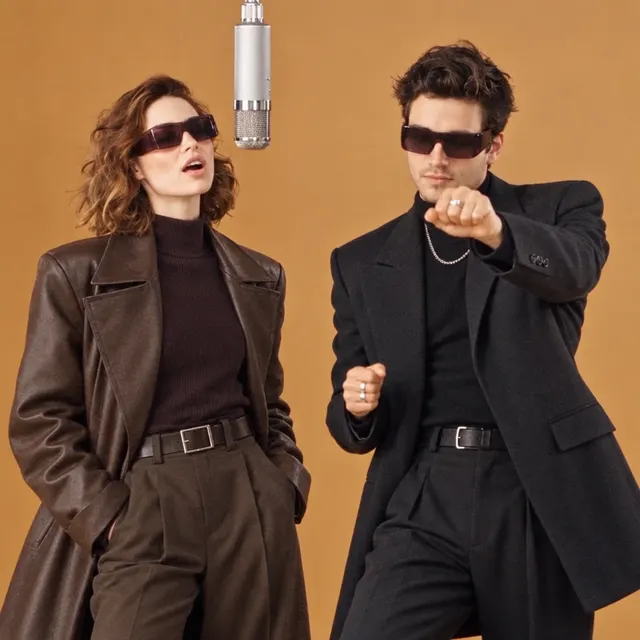
Upload two photos and dance the iconic phone-call duo routine in a glowing pastel room. Smooth grooves, playful hand moves and a lot of attitude, with both of you swapped in.
Upload three photos and turn your crew into the viral “No Scrubs” dance trio, moving in sync in a sleek white studio. Perfect for best friends and group content.
Turn your photo into a stylish four-look outfit transition. Lie back on a velvet sofa while the camera rises overhead and barrel-rolls into a new outfit every few seconds, from burgundy street style to soft romance, dark velvet glamour and navy sparkle.
Turn three photos into a fun night-out dancing video. Sing along, dance and wave at the camera together under glowing city lights, with a playful solo moment for each friend and quick whip-pan transitions between shots.